Papercraft Manual
User-facing documentation for Papercraft XML templates and the X39.Solutions.PdfTemplate compatibility bridge.
Papercraft Manual
This manual is for template authors who design Papercraft PDF documents with XML templates. It explains the document concepts first, then points to small task examples and reference pages.
What Is This?
Papercraft turns XML templates into PDF documents and images. During the migration, existing
applications can still consume it through the X39.Solutions.PdfTemplate compatibility package.
A template author writes document parts as XML elements such as text,
border, table, image,
line, pageNumber,
chart controls and optional qrCode or
ZXing barcode controls.
Templates can also read values supplied by the application, such as @CustomerName,
and can use template-language blocks such as @if and
@foreach to include or repeat content.
When Should I Use This?
Use this manual when you need to design or adjust the XML template for a PDF document without changing application code. Start here if you need to know where page content belongs, which control to use, how to insert data, or how to make visible layout changes such as spacing, borders and tables.
Developer setup, custom controls, renderer backend choices and resource resolvers belong in the developer integration appendix and renderer backends pages, not in the beginner chapters.
How Do I Start?
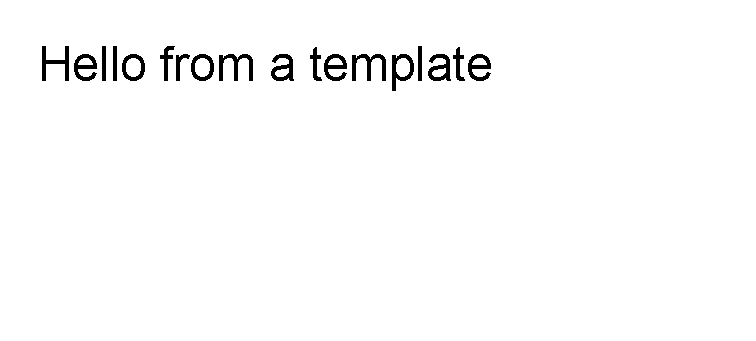
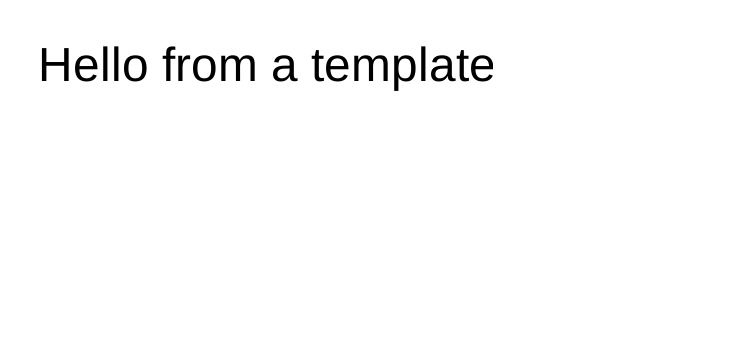
Begin with the smallest visible template:
<?xml version="1.0" encoding="utf-8"?>
<template>
    <body>
        <text fontsize="18">Hello from a template</text>
    </body>
</template>
Next, read Introduction, then First document.
Manual Chapters
- Introduction: what a template author controls and the basic vocabulary.
- First document: template structure, page sections and the first complete XML file.
- Areas: fixed-position page rectangles, coordinates, clipping and when not to use areas.
- Template data: variables, data-backed attributes, functions and data value formats.
- Layout fundamentals: available space, margin, padding, borders, alignment, lengths and colors.
- Styles: shared attributes with
template.styleand related style blocks. - Quick reference: compact lookup tables for sections, controls, attributes, value formats and transformer syntax.
- Controls: source-backed index of the built-in Core controls, focused control references and optional QR/ZXing control package pages.
- Transformers: the concept behind
@if,@switch,@foreach,@for,@varand@alternate. - Template language: transformer starter syntax and task examples.
- Complete examples: full document examples such as invoices, reports, table-heavy sheets, product sheets and dashboards.
- Troubleshooting: common XML, data, image and layout problems.
- Developer integration appendix: installation, service registration and extension points.
- Renderer backends: backend packages, output targets, validation and common PDF, SVG, raster and ESC/POS usage patterns.
- Migration to Papercraft: additive user migration path for the Papercraft facade and compatibility bridge.
- Papercraft architecture plan: maintainer plan for the current package split, SkiaSharp renderer, diagnostics and release phases.