Papercraft Manual
User-facing documentation for Papercraft XML templates and the X39.Solutions.PdfTemplate compatibility bridge.
Page Number Control
| Controls | Manual home |
What Is This?
The pageNumber control renders the current page number, the total page count or both.
It behaves like a text control whose displayed value is filled in when the document pages are known.
Use pageNumber for footer page labels, small report navigation marks and documents where a reader needs to know
where they are in the generated PDF.
When Should I Use This?
Use pageNumber when the document should print values such as 1, Page 1, Page 1 of 3 or 3 pages, current 1.
It is most useful in a footer, because footers repeat at the bottom of every page.
Do not type page numbers manually in text.
The number of pages can change when data changes, rows repeat or content moves to another page.
How Do I Start?
Start with a page number in the footer.
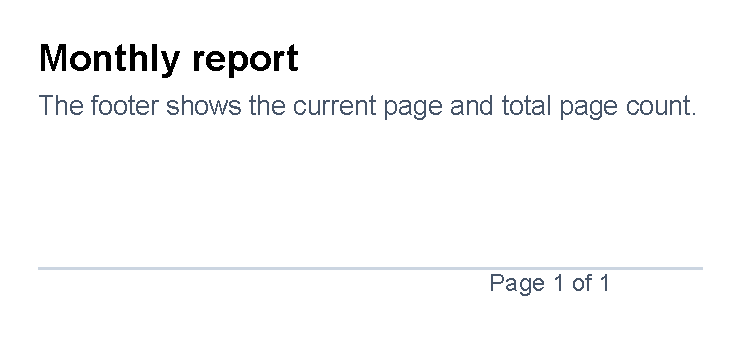
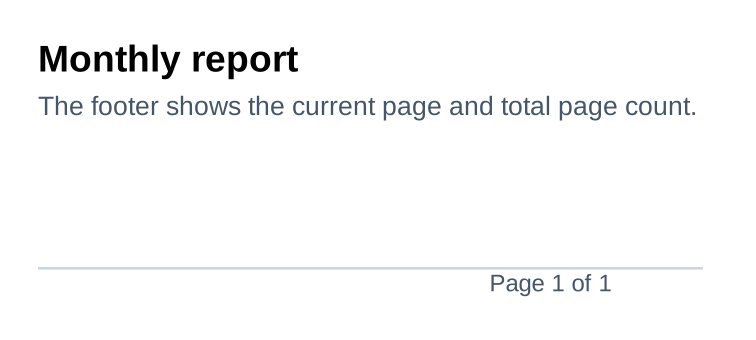
Use mode="CurrentTotal" when the reader should see both the current page and total page count.
<?xml version="1.0" encoding="utf-8"?>
<template>
    <body>
        <text fontsize="14" weight="bold">Monthly report</text>
        <text fontsize="10" foreground="#475569">The footer shows the current page and total page count.</text>
    </body>
    <footer>
        <line thickness="1pt" length="100%" color="#cbd5e1" margin="0 0 1mm 0"/>
        <pageNumber
            mode="CurrentTotal"
            prefix="Page "
            delimiter=" of "
            fontsize="9"
            foreground="#475569"
            horizontalAlignment="right"/>
    </footer>
</template>
Choose What To Show
Use mode to choose which number or numbers should be printed.
| Mode | Output pattern |
|---|---|
Current |
Current page number. |
Total |
Total page count. |
CurrentTotal |
Current page number, then delimiter, then total page count. |
TotalCurrent |
Total page count, then delimiter, then current page number. |
The default mode is Current.
Attribute binding is case-insensitive, but the examples use the enum spelling from the source.
Add Words Around The Number
Use prefix for text before the first number.
Use delimiter between two numbers when the mode includes both current and total page count.
Use suffix for text after the final number.
<pageNumber mode="CurrentTotal" prefix="Page " delimiter=" of "/>
For a one-page document, this prints Page 1 of 1.
Spaces are not added automatically.
Put spaces inside prefix, delimiter or suffix when the printed text needs them.
Combine Page Numbers With Footer Text
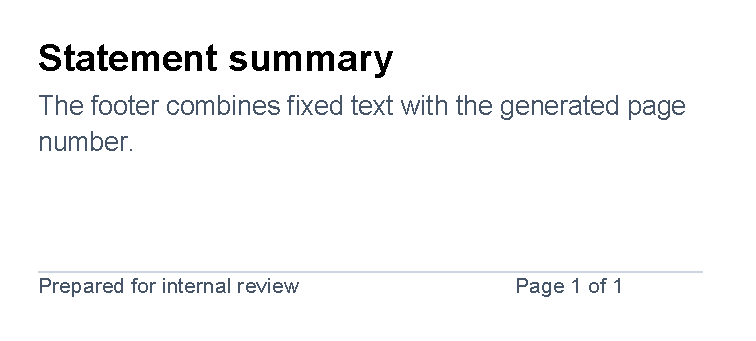
Use a small table in the footer when fixed footer text and the page number should sit on the same line.
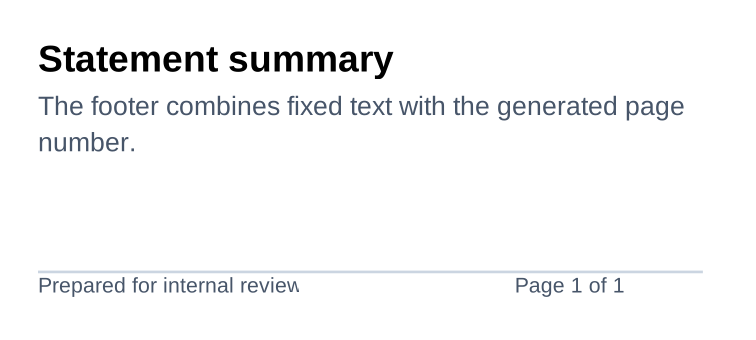
Put the fixed label in one td and the pageNumber control in another td.
<?xml version="1.0" encoding="utf-8"?>
<template>
    <body>
        <text fontsize="14" weight="bold">Statement summary</text>
        <text fontsize="10" foreground="#475569">The footer combines fixed text with the generated page number.</text>
    </body>
    <footer>
        <line thickness="1pt" length="100%" color="#cbd5e1" margin="0 0 1mm 0"/>
        <table>
            <tr>
                <td width="2*">
                    <text fontsize="8" foreground="#475569">Prepared for internal review</text>
                </td>
                <td width="1*">
                    <pageNumber
                        mode="CurrentTotal"
                        prefix="Page "
                        delimiter=" of "
                        fontsize="8"
                        foreground="#475569"
                        horizontalAlignment="right"/>
                </td>
            </tr>
        </table>
    </footer>
</template>
Use this pattern for report names, confidentiality labels, document IDs or other short footer notes.
For wider layouts, adjust the td widths; the example uses 2* for the label and 1* for the page number.
For more table width guidance, see Table control.
Style And Position The Number
The pageNumber control inherits the same visual text attributes as the text control.
Use fontsize, foreground, weight, style and fontfamily to match nearby footer text.
Use horizontalAlignment="right" for a common footer placement.
For the shared spacing and alignment model, see Layout fundamentals.
Supported Attributes
| Attribute | Use it for | Values |
|---|---|---|
mode |
Which page count value to print. | Current, Total, CurrentTotal or TotalCurrent; default Current. |
prefix |
Text before the first number. | Any text, default empty. |
delimiter |
Text between two numbers. | Any text, default empty. |
suffix |
Text after the final number. | Any text, default empty. |
The pageNumber control also supports the text styling attributes documented on
Text control, except for the text attribute because the number is generated
by the control.
It also supports the shared margin, padding, clip, horizontalAlignment
and verticalAlignment attributes described in Layout fundamentals.
Allowed Children
pageNumber does not allow child controls or text content.
Use it as a self-closing element, such as
<pageNumber mode="CurrentTotal" prefix="Page " delimiter=" of "/>.
Put nearby labels in prefix, delimiter or suffix, or place separate text controls next to it in a footer,
area or table cell.
Common Mistakes
- Writing
Page 1 of 1as normal text. UsepageNumberso the values update when page count changes. - Forgetting spaces in
prefix,delimiterorsuffix; the control concatenates the parts exactly. - Using
CurrentTotalwithout adelimiter, which prints the two numbers next to each other. - Putting content inside
pageNumber; it is a leaf control. - Placing page numbers only in
bodywhen they should repeat on every page. Usefooterfor repeated page labels.
| Controls | Manual home |