Papercraft Manual
User-facing documentation for Papercraft XML templates and the X39.Solutions.PdfTemplate compatibility bridge.
ZXing Barcode Control Package
| Previous: QR code package | Optional control packages | Next: Transformers |
What Is This?
X39.Solutions.Papercraft.Controls.ZXing is the optional Papercraft package for general barcode controls.
It depends on X39.Solutions.Papercraft.Core and ZXing.Net.
It does not depend on SkiaSharp or the legacy X39.Solutions.PdfTemplate compatibility package.
Use this package when templates need Code 128, GS1-128, EAN, UPC, Data Matrix, PDF417, Aztec or other ZXing-backed barcode formats.
Install And Register
dotnet add package X39.Solutions.Papercraft.Controls.ZXing
For applications that already use the Papercraft facade:
using X39.Solutions.Papercraft;
using X39.Solutions.Papercraft.Controls.ZXing;

services.AddPapercraft()
        .AddZxingBarcodeControls();
For a renderer-neutral or custom renderer setup:
services.AddPapercraftCore()
        .AddZxingBarcodeControls();
services.AddPapercraftZxingBarcodeControls() is also available when you only want to register Core plus barcode controls.
It does not register a render backend by itself.
Generic Barcode
Use barcode when the format should be selected by an attribute.
<barcode format="Code128" value="ABC123" width="42mm" height="12mm"/>
<barcode format="DataMatrix" width="22mm" height="22mm">ABC123</barcode>
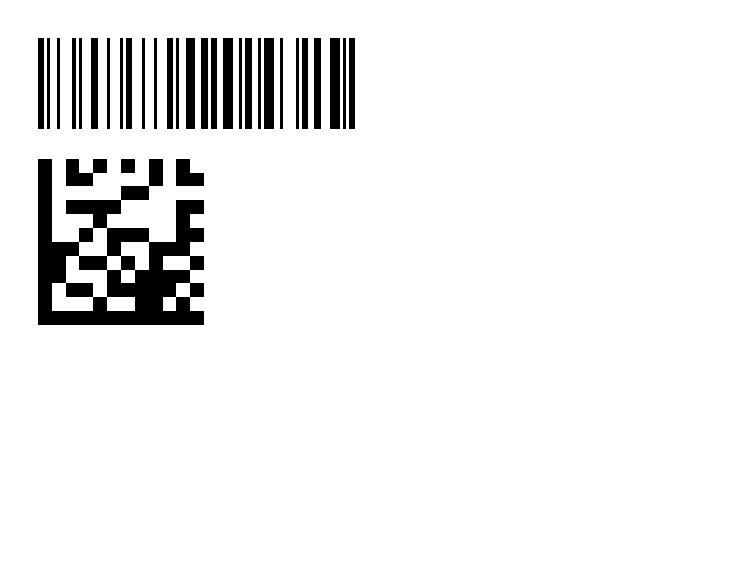
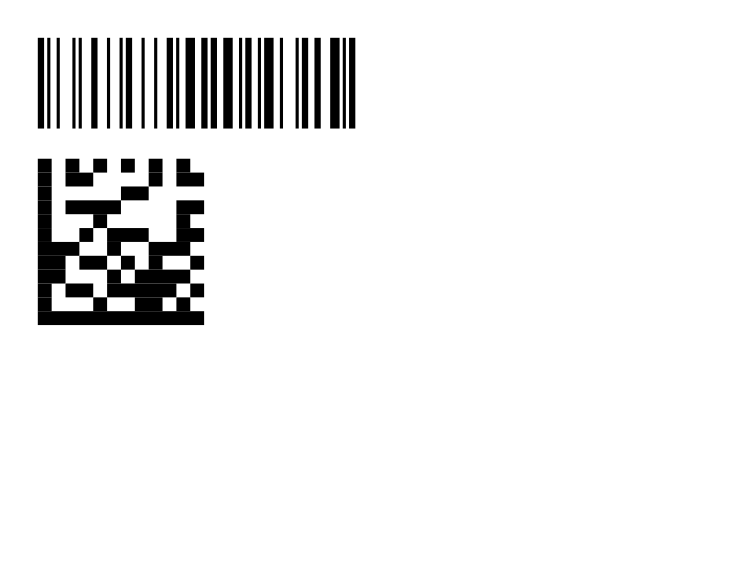
| Attribute | Values | Default |
|---|---|---|
value |
Text to encode. Element content can also supply the value. | Empty |
format |
Aztec, Codabar, Code39, Code93, Code128, GS1-128, DataMatrix, EAN8, EAN13, ITF, PDF417, QRCode, UPCA, UPCE. |
Code128 |
width |
Length. | 50mm |
height |
Length. | 15mm |
foreground |
Color. | black |
background |
Color. | transparent |
quietZone |
Non-negative module count passed to ZXing. | 0 |
gs1Format |
true or false. Enables ZXing GS1 mode for compatible formats. |
false |
The format converter ignores hyphens, underscores and spaces, so values such as GS1-128 and GS1 128
select the same format.
Using format="GS1-128" forces GS1 mode during encoding.
Alias Controls
Use aliases when the barcode format is fixed and should be visible from the XML element name.
<code128 value="ABC123" width="42mm" height="12mm"/>
<ean13 value="4006381333931" width="42mm" height="14mm"/>
<dataMatrix value="ABC123" width="22mm" height="22mm"/>
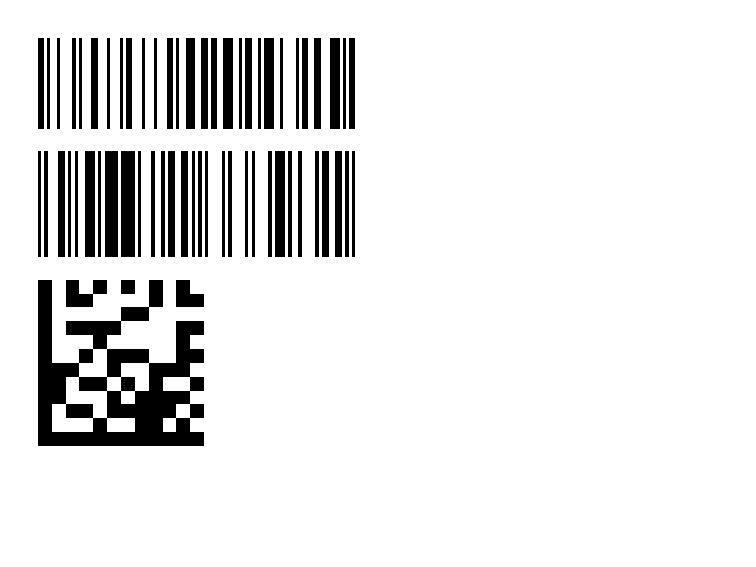
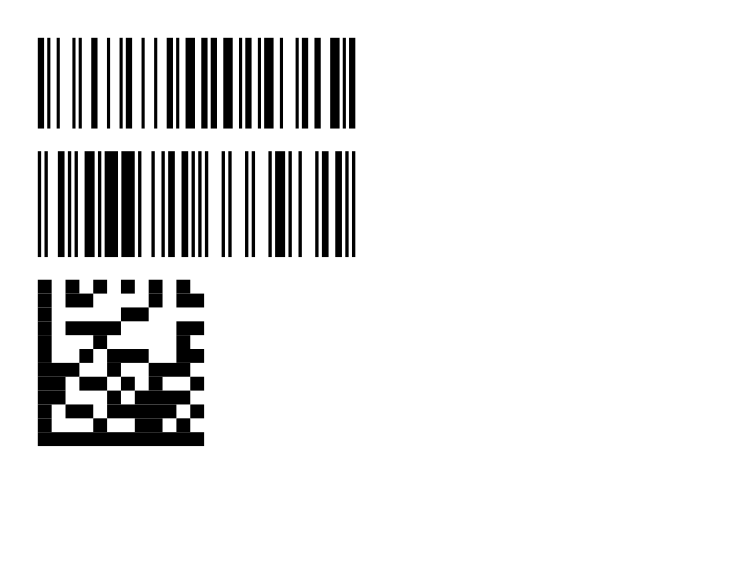
| Element | Format |
|---|---|
code128 |
Code 128 |
gs1-128 |
GS1 Code 128 with GS1 mode enabled |
code39 |
Code 39 |
code93 |
Code 93 |
codabar |
Codabar |
ean13 |
EAN-13 |
ean8 |
EAN-8 |
upcA |
UPC-A |
upcE |
UPC-E |
itf |
Interleaved 2 of 5 |
dataMatrix |
Data Matrix |
pdf417 |
PDF417 |
aztec |
Aztec |
Alias controls support the same value, sizing, color, quietZone and gs1Format attributes as barcode.
Most aliases inherit the generic 50mm by 15mm default size.
dataMatrix and aztec default to 25mm by 25mm, and pdf417 defaults to 50mm by 20mm.
The package renders ZXing BitMatrix output as vector rectangles.
Matrix formats such as QR Code, Data Matrix and Aztec keep square modules when the arranged control is not square.
Invalid payloads are rejected by the underlying encoder.
Related Pages
- Controls: all built-in and optional control package boundaries.
- QR code package: dedicated QR package backed by
Net.Codecrete.QrCodeGenerator. - Developer integration appendix: application registration and extension points.
| Previous: QR code package | Optional control packages | Next: Transformers |