Papercraft Manual
User-facing documentation for Papercraft XML templates and the X39.Solutions.PdfTemplate compatibility bridge.
Control Concepts
| Controls | Manual home |
What Is This?
A control is one visible document part written as an XML element.
For example, text draws words, line draws a separator, image draws an image,
border draws a box around content, and table arranges rows and cells.
Controls are the building blocks inside body, header, footer, areas and other containers.
When Should I Use This?
Use this page when you are unsure which XML element should hold a piece of content, or when an error says a control does not allow a child control.
The focused control pages explain each control’s attributes. This page explains the mental model behind all of them.
How Do I Start?
Start by deciding whether the document part is content or a container.
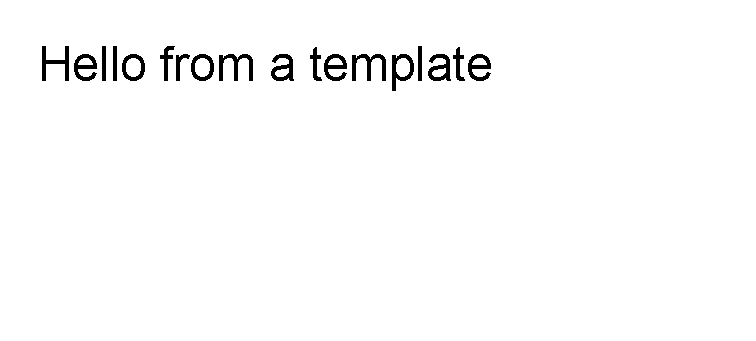
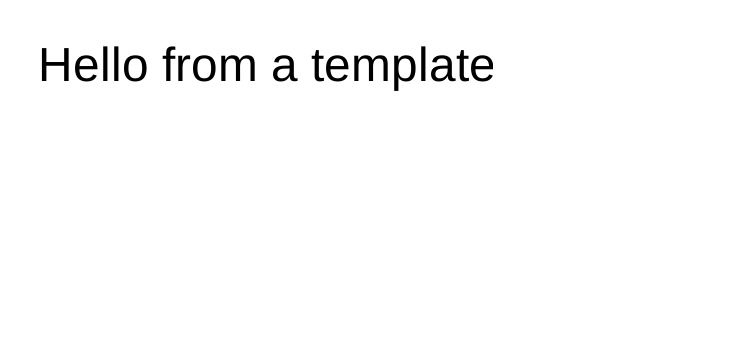
Use a leaf control when the part draws itself and does not need children.
<?xml version="1.0" encoding="utf-8"?>
<template>
    <body>
        <text fontsize="18">Hello from a template</text>
    </body>
</template>
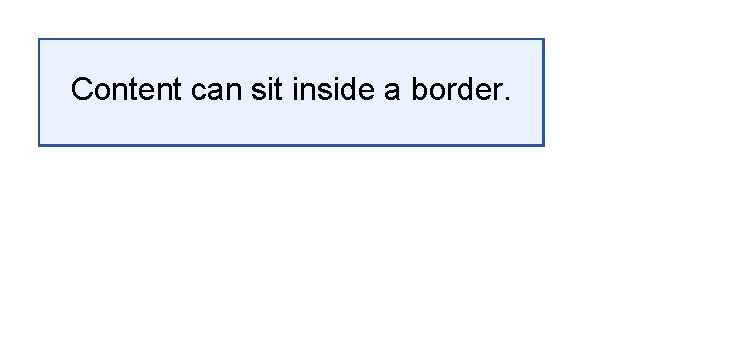
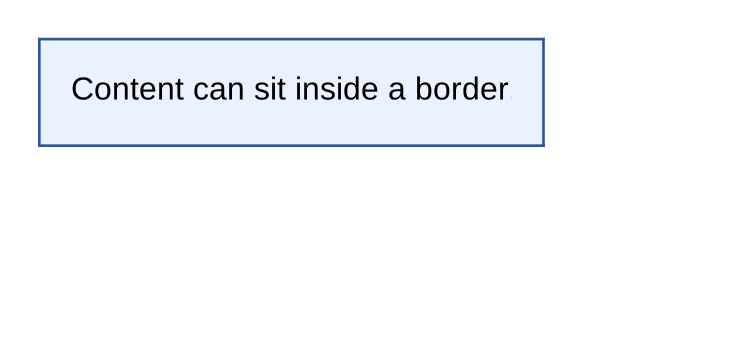
Use a container control when other controls need to sit inside it.
<?xml version="1.0" encoding="utf-8"?>
<template>
    <body>
        <border
            thickness="1pt"
            color="#2f5597"
            background="#eaf2ff"
            padding="4mm"
            horizontalAlignment="left"
            verticalAlignment="top">
            <text>Content can sit inside a border.</text>
        </border>
    </body>
</template>
Leaf Controls
Leaf controls render their own content and do not contain child controls.
Common leaf controls include text, line, image and pageNumber.
Write the value directly in the element text or attributes:
For example, use <text>Total</text>, <line thickness="1pt" length="100%"/> or
<pageNumber mode="CurrentTotal" prefix="Page " delimiter=" of "/>.
If a leaf control needs a box, background, margin group or table cell, put the leaf inside a container.
Container Controls
Container controls hold other controls.
Common containers include border, table, tr, th, td, body, header, footer and fixed area content.
Some containers allow many child control types.
For example, border and td can contain visible controls such as text, line, image or another table.
Some containers allow only specific children:
| Container | Allowed child pattern |
|---|---|
table |
th and tr rows. |
th |
td cells. |
tr |
td cells. |
td |
Visible controls, stacked vertically. |
How Layout Happens
When a PDF is generated, controls are laid out before they are drawn. For template authors, the practical rule is:
- The parent gives a control available space.
- The control decides how much space it needs.
- The control is placed in the available space.
- The control draws itself and, if it is a container, draws its children.
This is why margin, padding, thickness, alignment and table column widths can change where later content appears.
For the shared layout rules, see Layout fundamentals.
Common Mistakes
- Putting
textdirectly insidetableinstead of insidetd. - Putting child controls inside
text,line,imageorpageNumber. - Expecting
tableitself to draw borders. Usebackground,borderThicknessandborderColoronth,trortd. - Using a table when a single
borderwould be enough. - Adding several layout changes at once instead of testing one small control at a time.
For symptom-based help, see Troubleshooting.
| Controls | Manual home |