Papercraft Manual
User-facing documentation for Papercraft XML templates and the X39.Solutions.PdfTemplate compatibility bridge.
QR Code Control Package
| Previous: Controls | Optional control packages | Next: ZXing barcode package |
What Is This?
X39.Solutions.Papercraft.Controls.QrCode is the optional Papercraft package for the qrCode XML control.
It depends on X39.Solutions.Papercraft.Core and Net.Codecrete.QrCodeGenerator.
It does not depend on SkiaSharp or the legacy X39.Solutions.PdfTemplate compatibility package.
Use this package when templates need QR codes and do not need the broader ZXing barcode package.
Install And Register
dotnet add package X39.Solutions.Papercraft.Controls.QrCode
For applications that already use the Papercraft facade:
using X39.Solutions.Papercraft;
using X39.Solutions.Papercraft.Controls.QrCode;

services.AddPapercraft()
        .AddQrCodeControls();
For a renderer-neutral or custom renderer setup:
services.AddPapercraftCore()
        .AddQrCodeControls();
services.AddPapercraftQrCodeControls() is also available when you only want to register Core plus QR controls.
It does not register a render backend by itself.
XML Control
Use qrCode for QR symbols. The value can be supplied as an attribute or as element content.
<qrCode value="https://example.test/order/123" size="24mm" quietZone="4" errorCorrection="M"/>

<qrCode size="24mm" foreground="#000000" background="#ffffff">
    https://example.test/order/123
</qrCode>
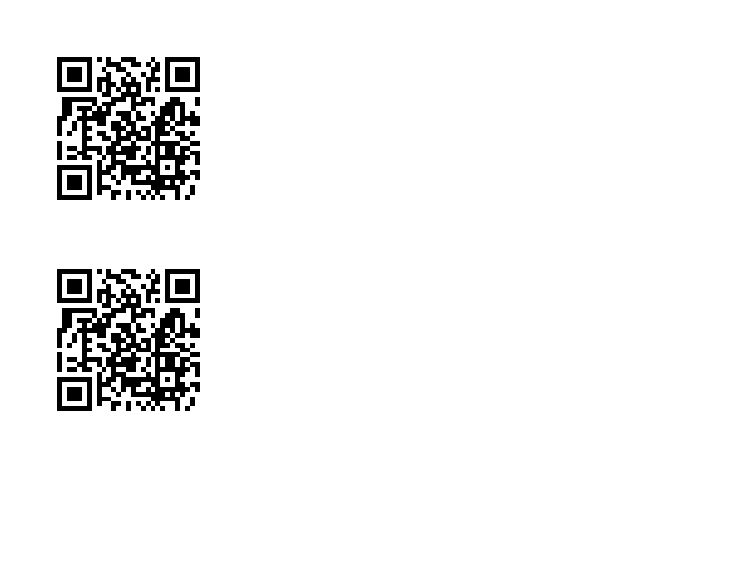
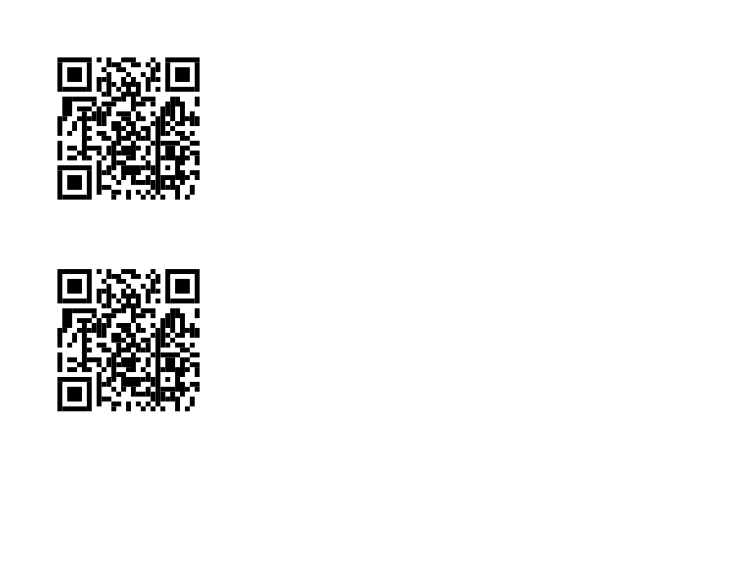
| Attribute | Values | Default |
|---|---|---|
value |
Text to encode. Element content can also supply the value. | Empty |
size |
Length. | 25mm |
foreground |
Color. | black |
background |
Color. | transparent |
quietZone |
Non-negative module count. | 4 |
errorCorrection |
L, M, Q, H, Low, Medium, Quartile or High. |
Medium |
The QR package draws module rectangles directly through Papercraft display commands. It does not insert a raster image into the template.
Related Pages
- Controls: all built-in and optional control package boundaries.
- ZXing barcode package: broader barcode package backed by
ZXing.Net. - Developer integration appendix: application registration and extension points.
| Previous: Controls | Optional control packages | Next: ZXing barcode package |