Papercraft Manual
User-facing documentation for Papercraft XML templates and the X39.Solutions.PdfTemplate compatibility bridge.
Form And Signing Controls
| Previous: List controls | Controls | Next: Chart controls |
What Is This?
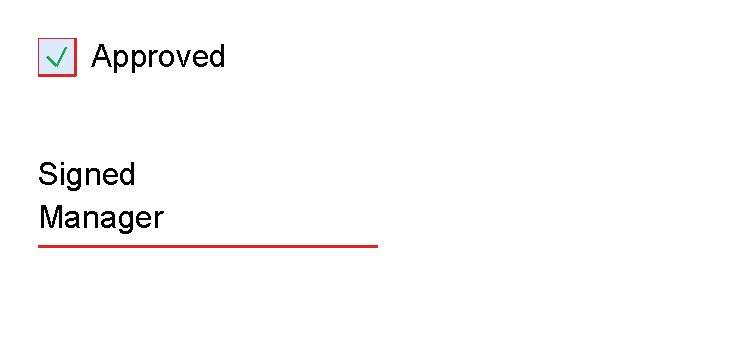
Form and signing controls draw simple document marks:
checkbox draws a checkbox square with optional label or child content, and signature draws a signature line
with optional helper text.
These are visual PDF controls. They do not create interactive PDF form fields.
When Should I Use This?
Use checkbox for checklist rows, approvals or status marks.
Use signature for a printed signing placeholder.
Use normal application data and template language when the checked state or label should come from data.
How Do I Start?
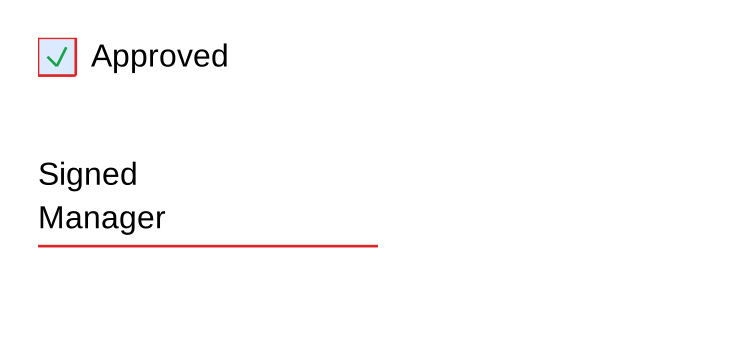
These fragments mirror CheckboxControlTests and SignatureControlTests:
<checkbox
    checked="true"
    size="5mm"
    label="Approved"
    gap="2mm"
    strokeColor="#dc2626"
    fill="#dbeafe"
    checkColor="#16a34a"
    strokeThickness="1pt"/>

<signature
    height="16mm"
    lineWidth="45mm"
    lineThickness="1pt"
    lineColor="#dc2626"
    label="Signed"
    subtext="Manager"
    textPlacement="Above"/>
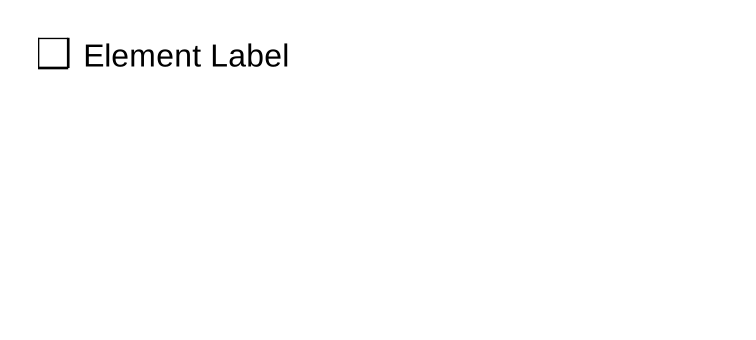
checkbox can also use element text as its label:
<checkbox>Element Label</checkbox>
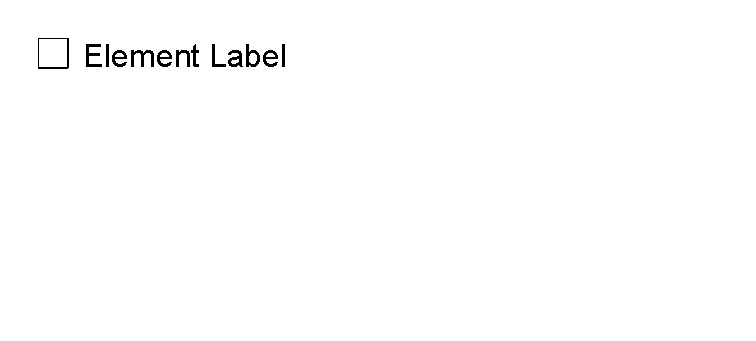
When checkbox has a non-empty label, the label text wins over child controls.
Without a label, child controls render to the right of the checkbox square.
Supported Controls
| Control | Children | Use |
|---|---|---|
checkbox |
Optional normal controls | Checkbox square with optional check mark, label or child content. |
signature |
None | Signature line with optional label and subtext. |
Supported Attributes
| Control | Attributes |
|---|---|
checkbox |
checked, size, label or element content, gap, strokeColor, fill, checkColor, strokeThickness, shared layout attributes. |
signature |
height, lineWidth, lineThickness, lineColor, label, subtext, textPlacement, text styling attributes and shared alignment attributes. |
signature textPlacement accepts Below or Above.
For text styling attributes, see Text control.
For length values and shared layout attributes, see Layout fundamentals.
Common Mistakes
- Expecting these controls to create interactive PDF fields. They draw static PDF content.
- Putting child controls inside
signature; it is a leaf control. - Setting both a
checkboxlabel and child content when you expect both to render. The label takes precedence.
| Previous: List controls | Controls | Next: Chart controls |