Papercraft Manual
User-facing documentation for Papercraft XML templates and the X39.Solutions.PdfTemplate compatibility bridge.
Rich Text Controls
| Previous: Text control | Controls | Next: Flow helper controls |
What Is This?
Rich text controls let one paragraph contain multiple inline text fragments.
Use paragraph as the container, span for inline text runs and br for an explicit line break.
Use hyperlink when a single link-style text control is enough.
When Should I Use This?
Use paragraph when a line needs mixed text styling, such as a normal label followed by a bold value.
Use hyperlink when the template should draw link-styled text and create a clickable PDF link from href.
Use text instead when all words in the control share one style.
How Do I Start?
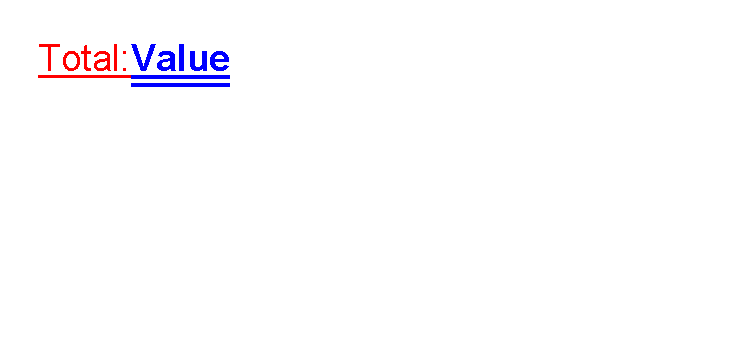
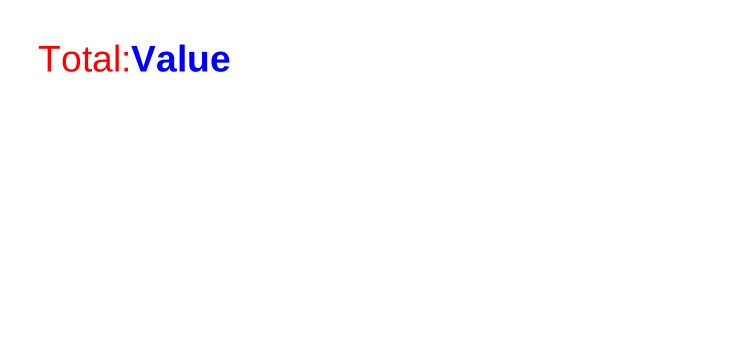
This fragment mirrors the activation coverage in ParagraphControlTests:
<paragraph foreground="red" fontsize="14" lineheight="1.5" decoration="underline">
    <span>Total: </span>
    <span foreground="blue" weight="bold" decoration="doubleUnderline">Value</span>
    <br/>
</paragraph>
paragraph accepts only span and br children.
Do not put text, image, table or other normal controls directly inside a paragraph.
For link-style text, use hyperlink.
This fragment mirrors HyperlinkControlTests:
<hyperlink
    href="https://example.test/invoice/123"
    underline="false"
    foreground="red"
    fontsize="14">View invoice</hyperlink>
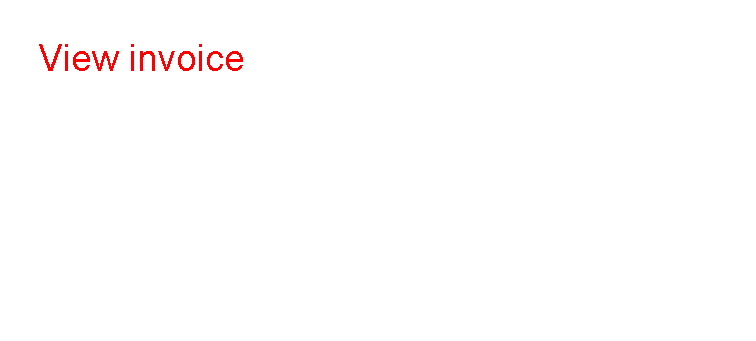
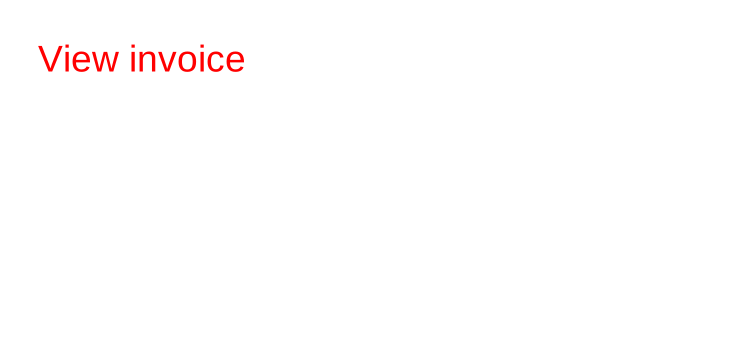
PDF output creates clickable URI annotations for the visible link text. Raster output keeps the visible text and optional underline, but cannot carry clickable PDF annotations.
Supported Controls
| Control | Children | Use |
|---|---|---|
paragraph |
span, br |
Rich text paragraph with inline runs and explicit line breaks. |
span |
None | Inline text run inside paragraph. |
br |
None | Explicit line break inside paragraph. |
hyperlink |
None | Link-style text with optional underline and a clickable PDF href target. |
Supported Attributes
| Control | Attributes |
|---|---|
paragraph |
Text styling attributes: foreground, fontsize, lineheight, scale, rotation, strokethickness, decoration, letterspacing, weight, style, fontfamily; shared layout attributes. |
span |
text or element content, plus optional text styling overrides: foreground, fontsize, lineheight, scale, rotation, strokethickness, decoration, letterspacing, weight, style, fontfamily. |
br |
Shared layout attributes only; no control-specific attributes. |
hyperlink |
href, text or element content, underline, decoration, text styling attributes and shared layout attributes. |
For shared margin, padding, clip, horizontalAlignment and verticalAlignment, see
Layout fundamentals.
Common Mistakes
- Putting normal block controls inside
paragraph. Usespanandbronly. - Expecting
spanorbrto render on their own outsideparagraph. - Expecting raster image output to contain clickable links. Only PDF output carries link annotations.
- Using
paragraphfor simple text that can be handled bytext.
| Previous: Text control | Controls | Next: Flow helper controls |